INTRO – OptimHire is a global job platform with a variety of features and benefits. You have access to over millions of candidates from around the world at the tip of your fingers. By making a job posting you will be one step closer to hiring the perfect talent! Below you will find detailed instructions on how to make a FREE job posting on the Optimhire platform.
STEP 1 - Login to your OptimHire Account, you will be directed to the “My Jobs” page. On the top right hand side you will find a “Post a Job” button. Click on that.

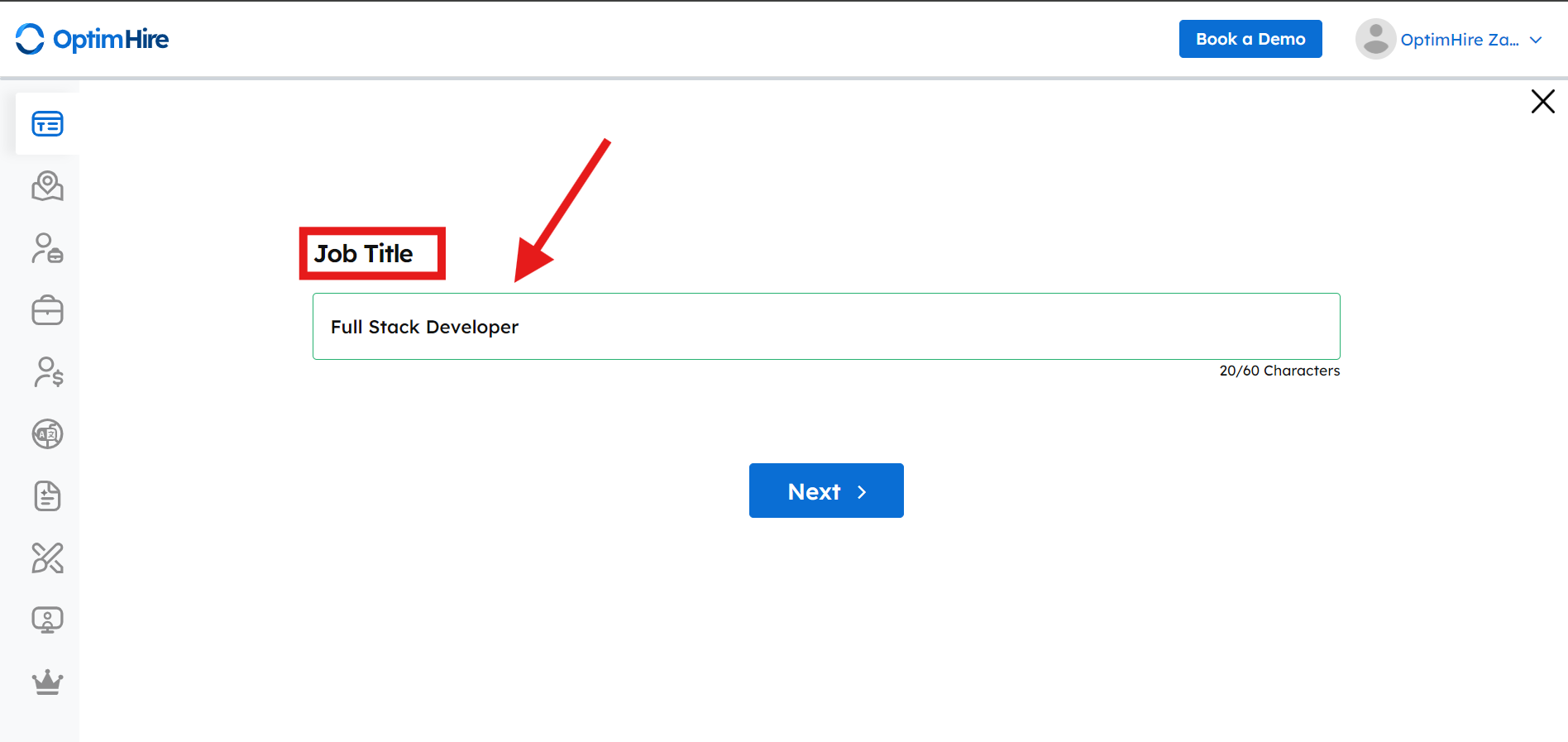
STEP 2 - Enter the Job Title
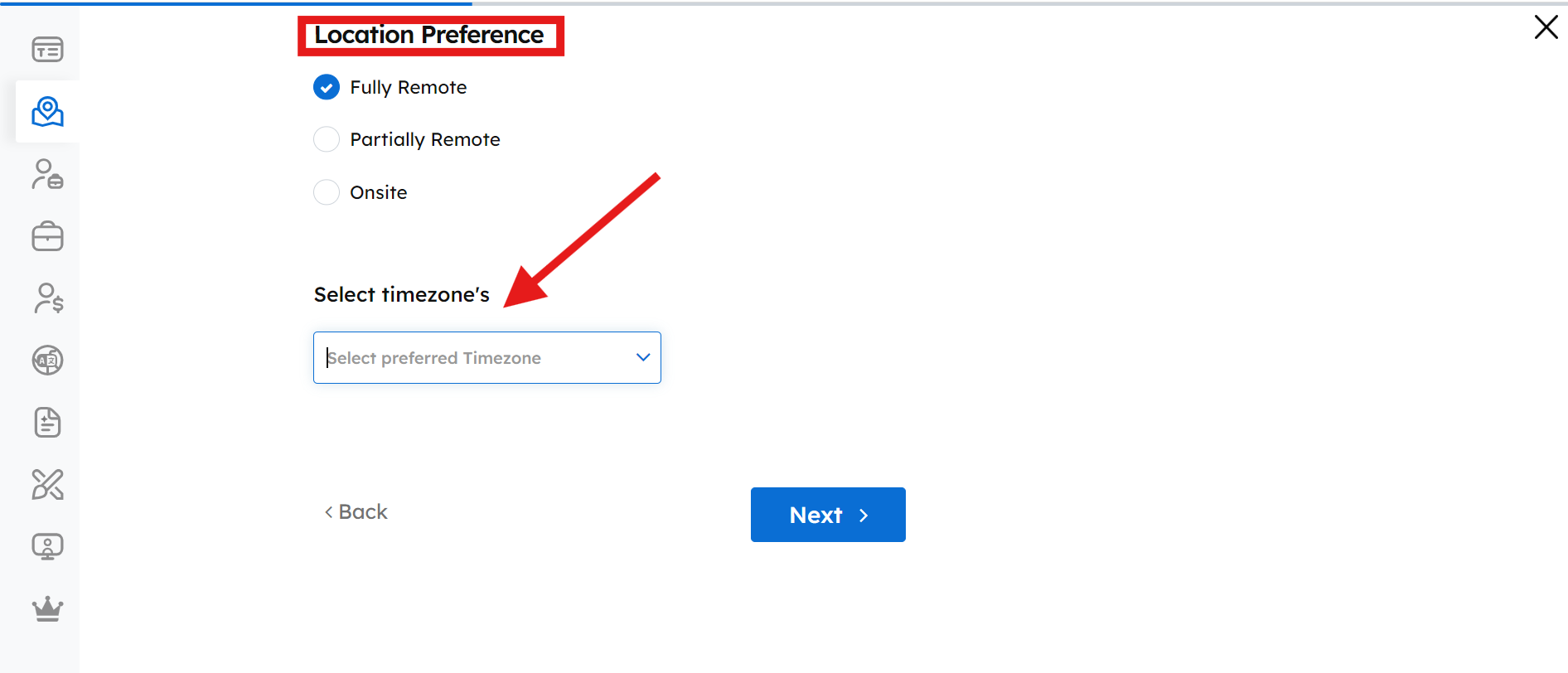
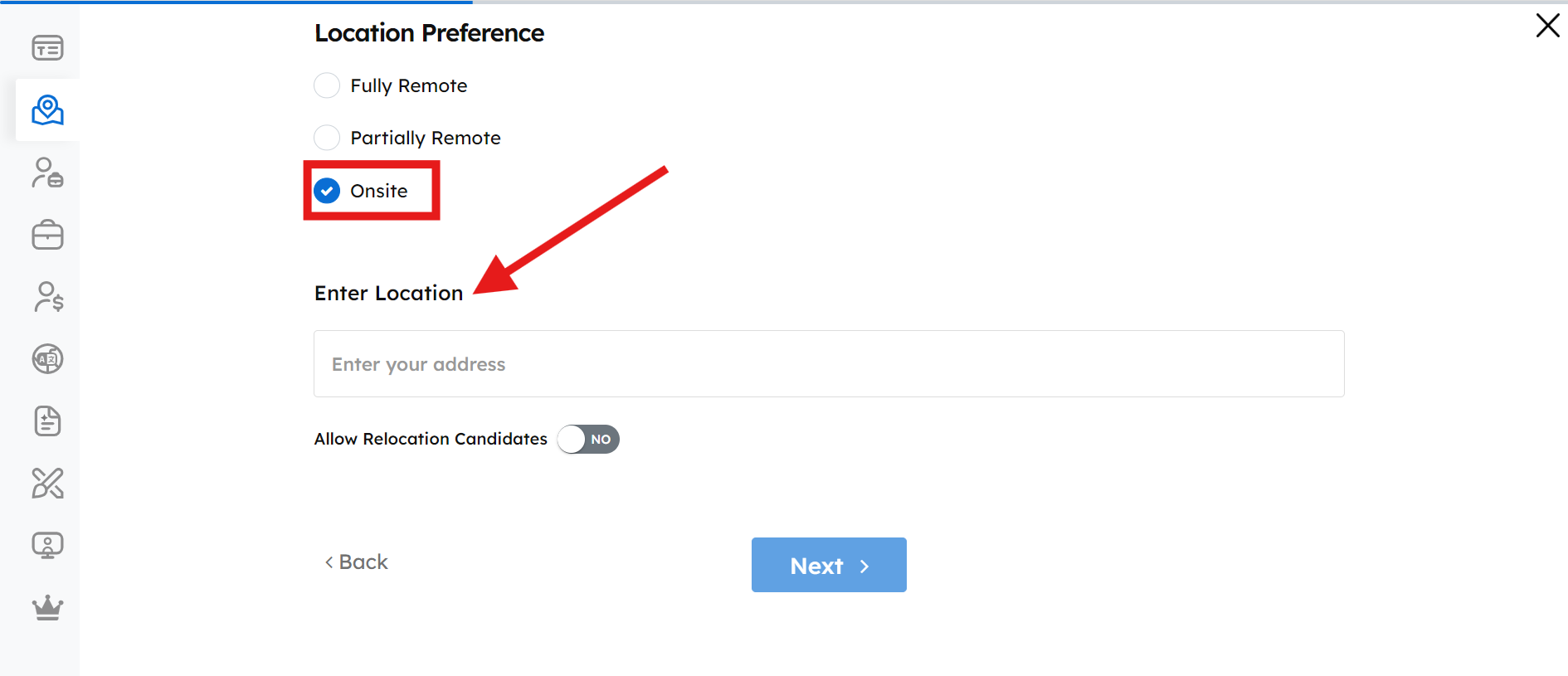
STEP 3 - Enter your location preference. If you are hiring remotely, select the time zone. If you are hiring on-site, select the location. If you are okay for relocation candidates toggle on.
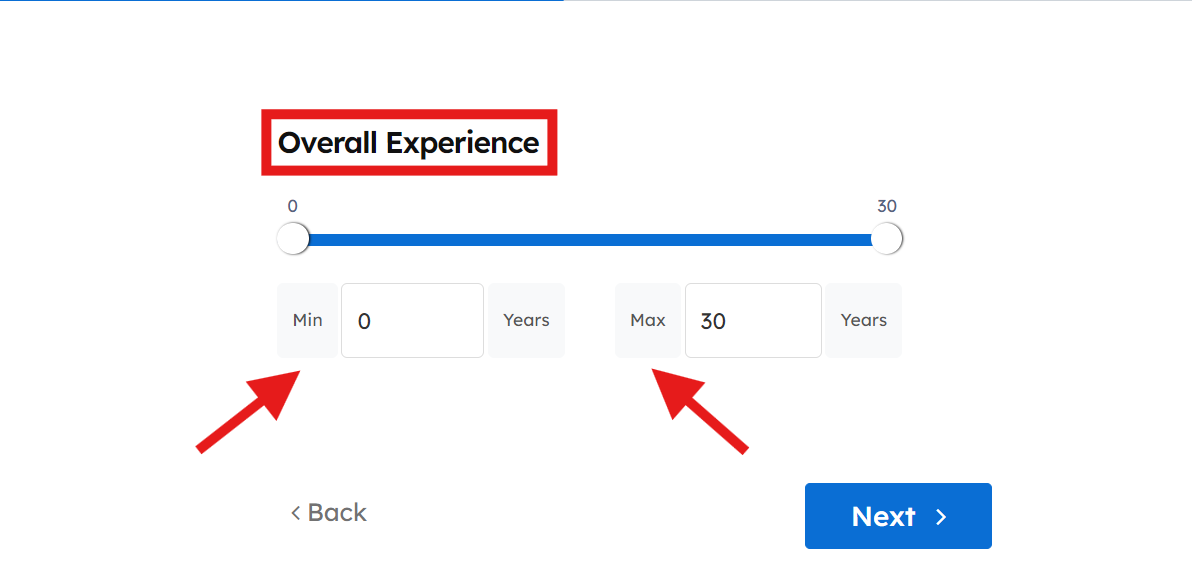
STEP 4 - Select your suitable years of experience from min. to max.
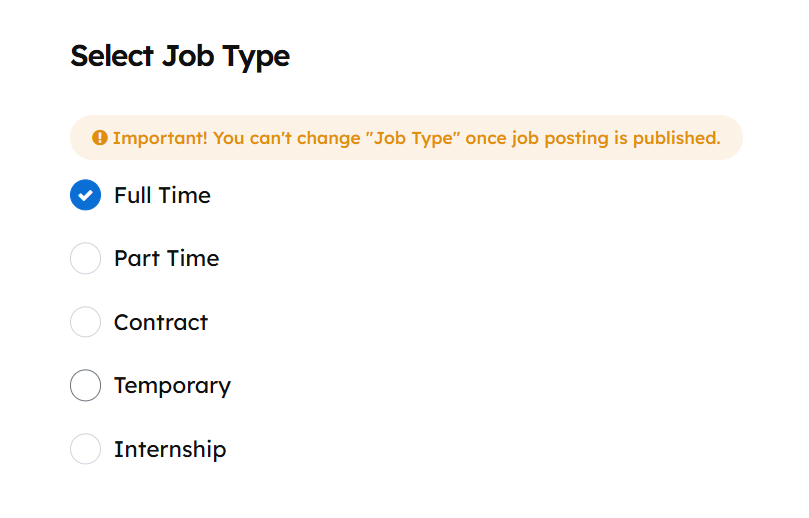
STEP 5 - Of the 5 options, select how you want to hire the candidate.
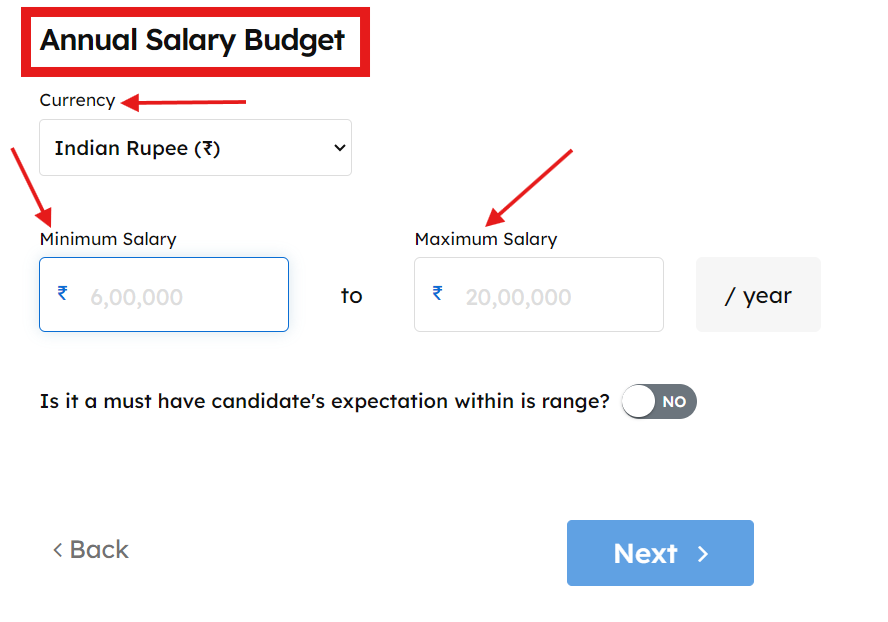
STEP 6 - Type your budget to hire, from min to max. Select your currency and read turn on the toggle if it is a must have skill that the candidate comes within that budget only, toggle off if you are flexible with the budget.
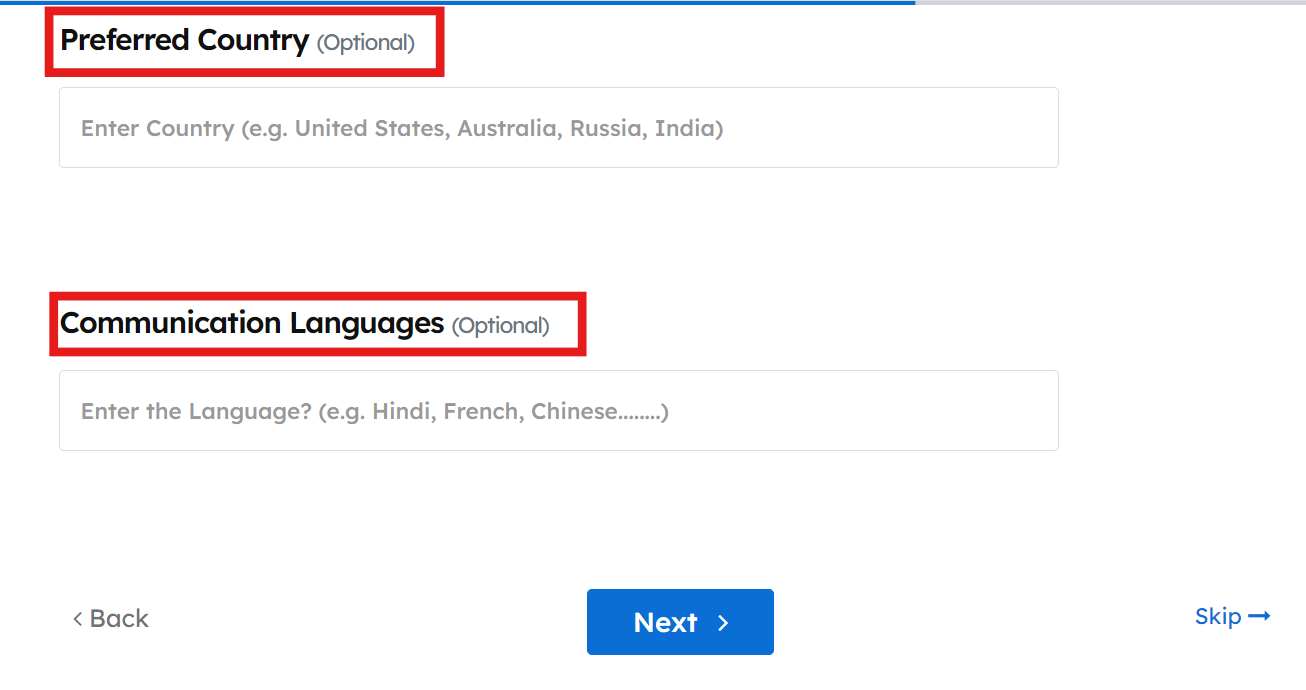
STEP 7 - Two optional steps are provided. You can select the country you are hiring out of and the languages you wish for the candidate to speak.
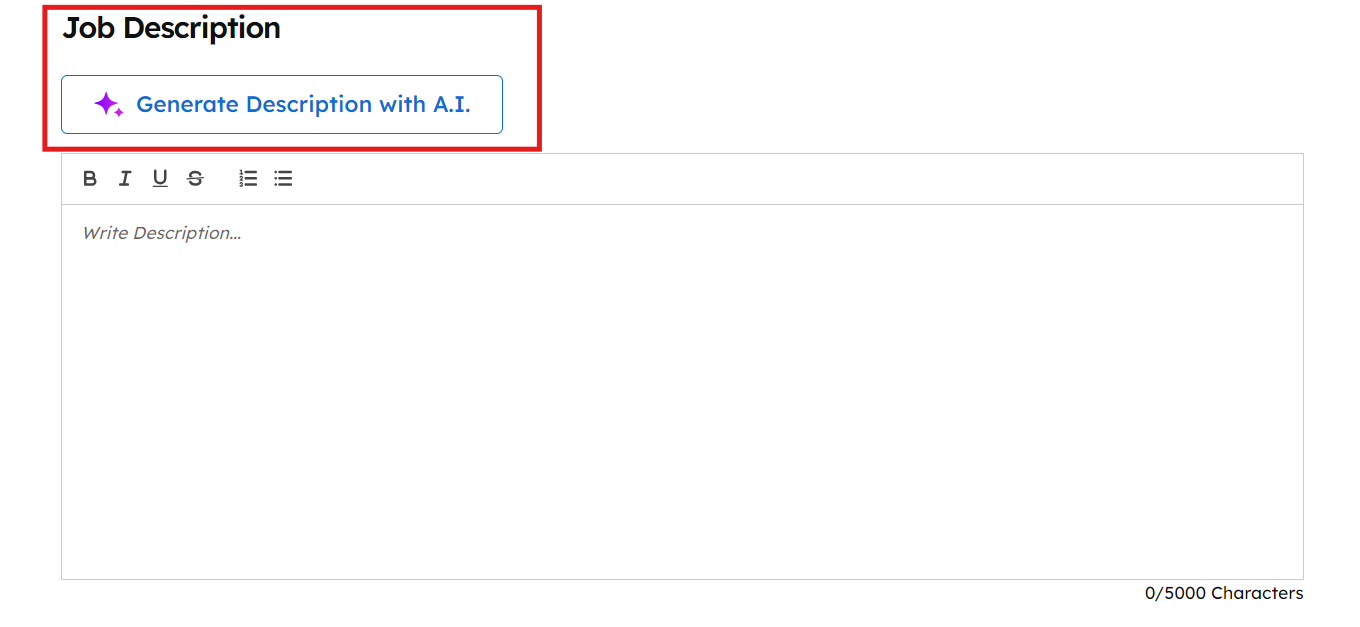
STEP 8 - Add the Job Description. You can use our unique AI generated job description option or add your own.
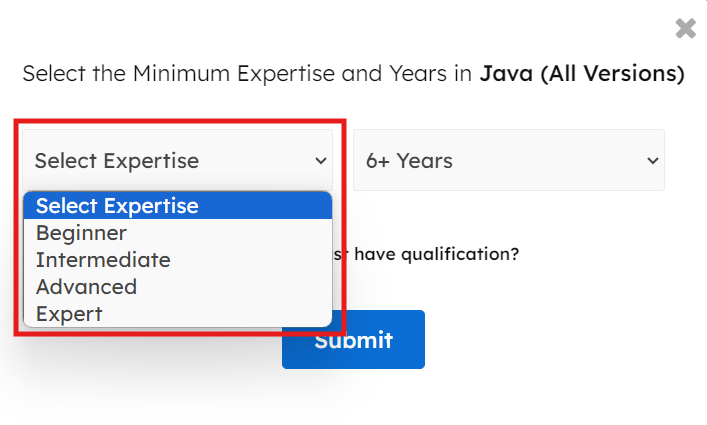
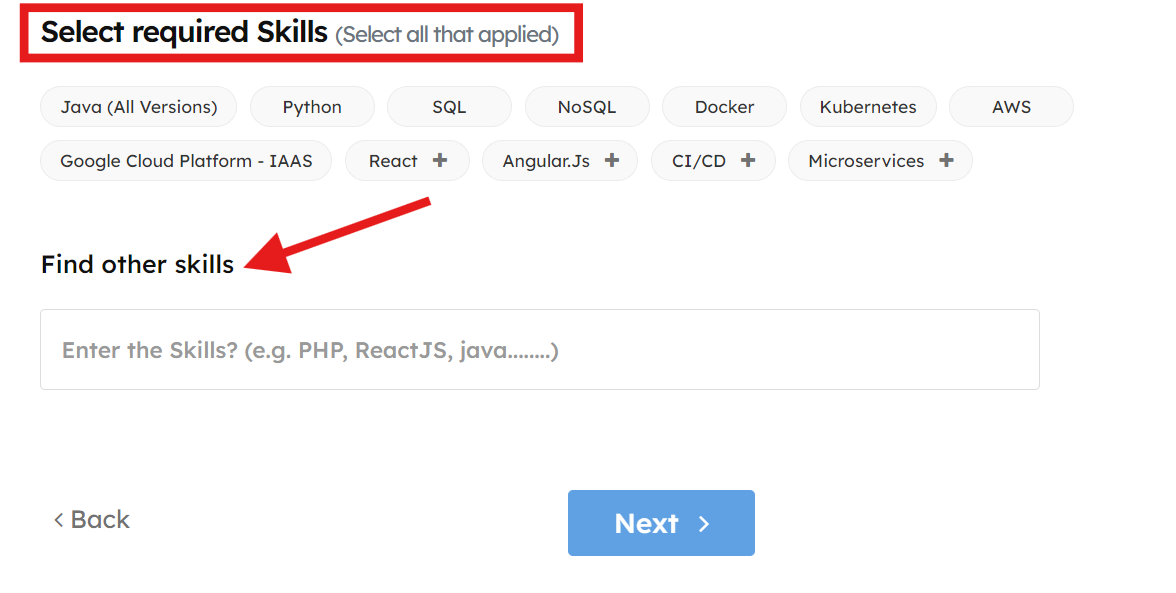
STEP 9 - Select all the must have skills along with the expertise level.
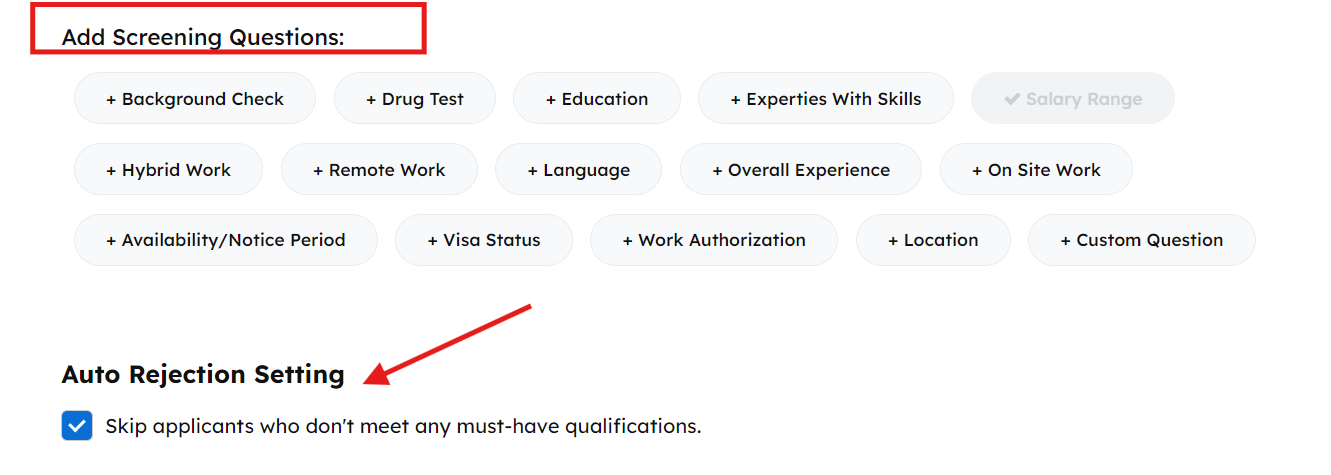
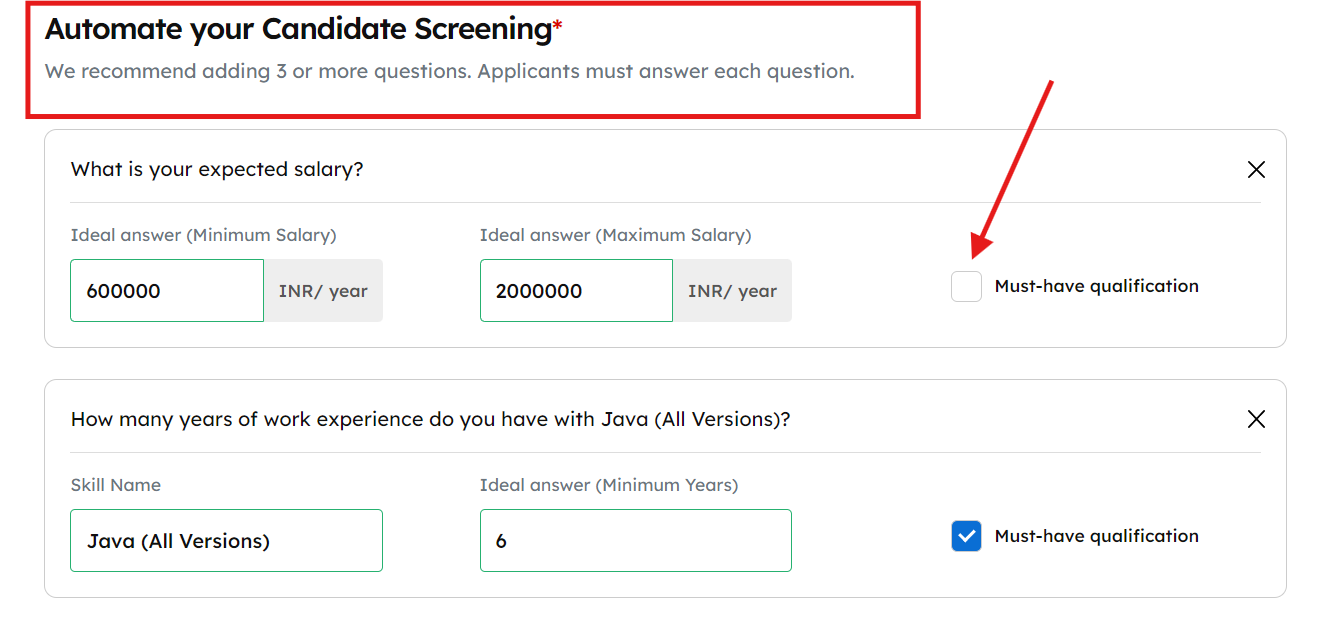
STEP 10 - Add your screening questions. The more specific you are the better the filtered candidate you will get. We have various screening questions to choose from or you can also customize your own!
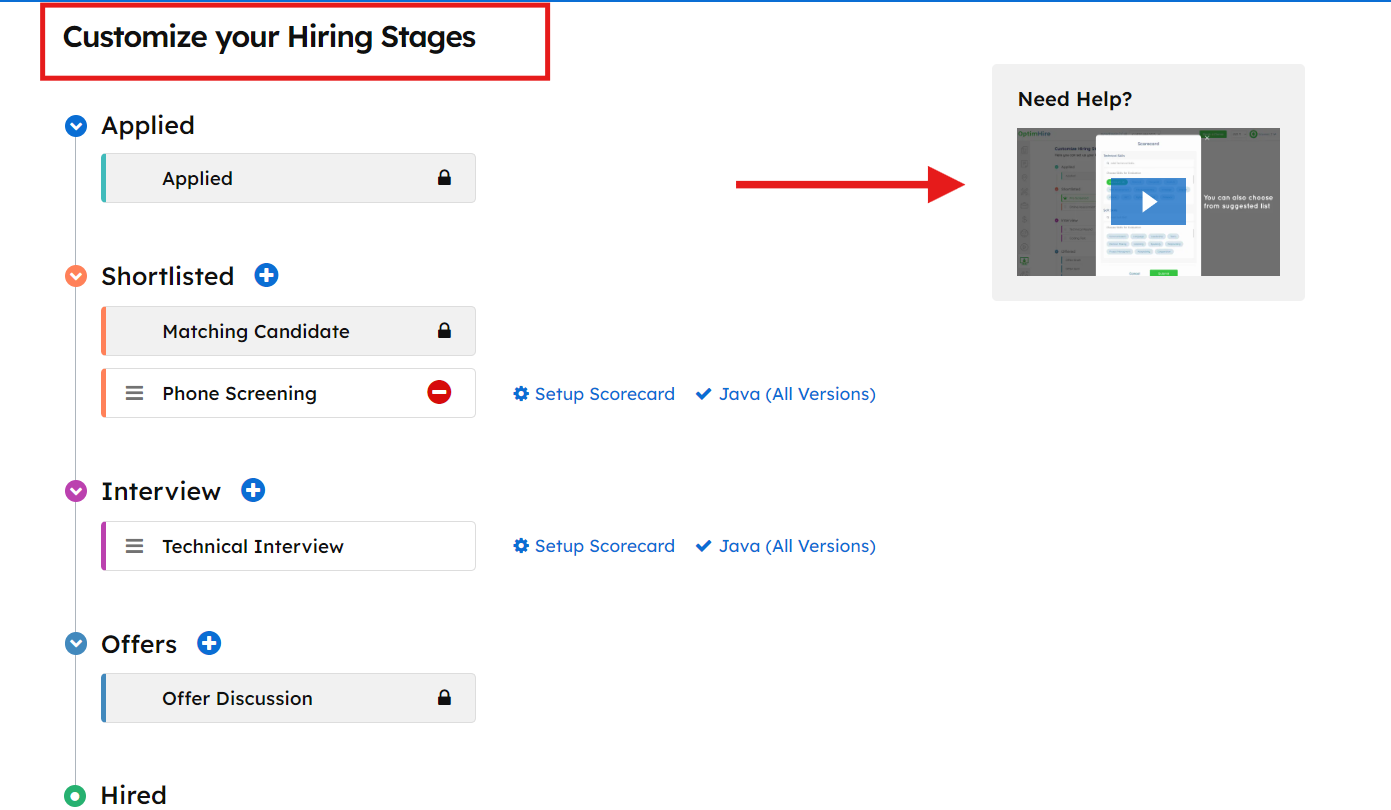
STEP 11 - Use our ATS for free by customizing your hiring stages! There's a brief video on the right side to explain how to add your interview process. This is optional but useful overall!
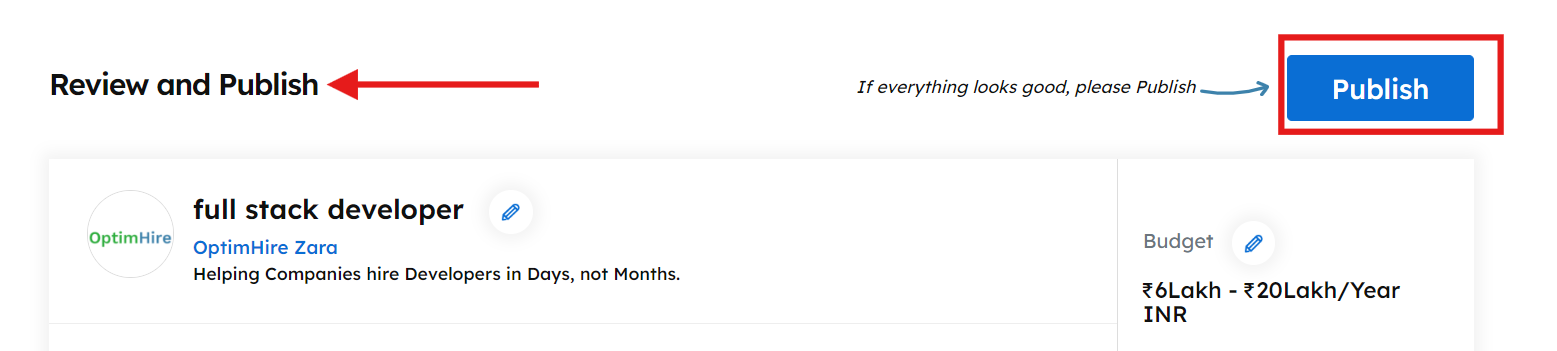
STEP 15 - Review your job posting one last time to check everything then click on Publish. Your job post will be active.
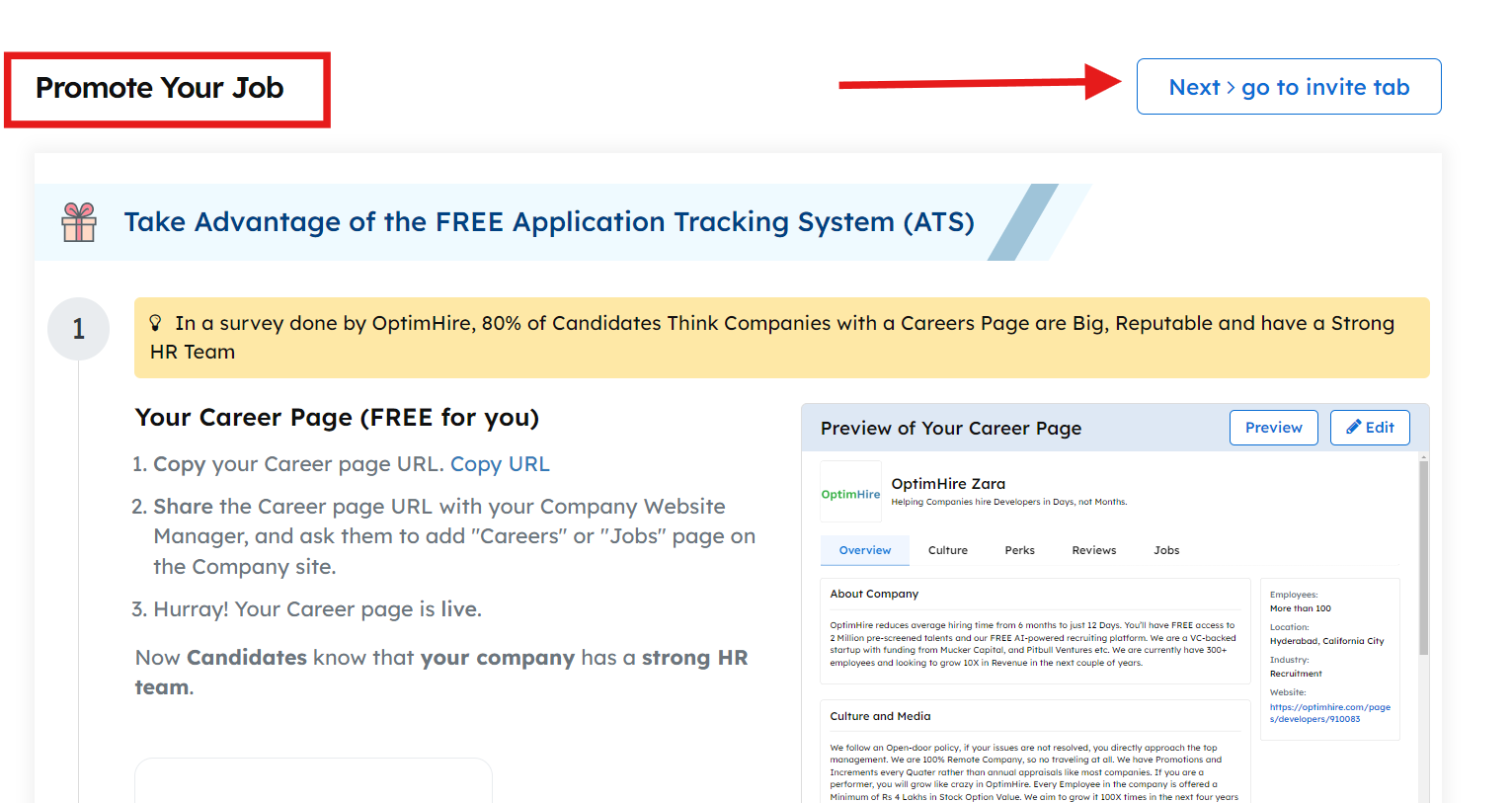
STEP 16 - You will be redirected to the promote tab where you have to click on go to invite tab.
STEP 17 - Congratulations! Your job post is now live. In the Invite tab you can search for candidates that match your requirement using Basic or Advance search. Advance search allows you to do a Boolean search and get exact results. You can generate the keyword search using our AI or you can type it yourself.
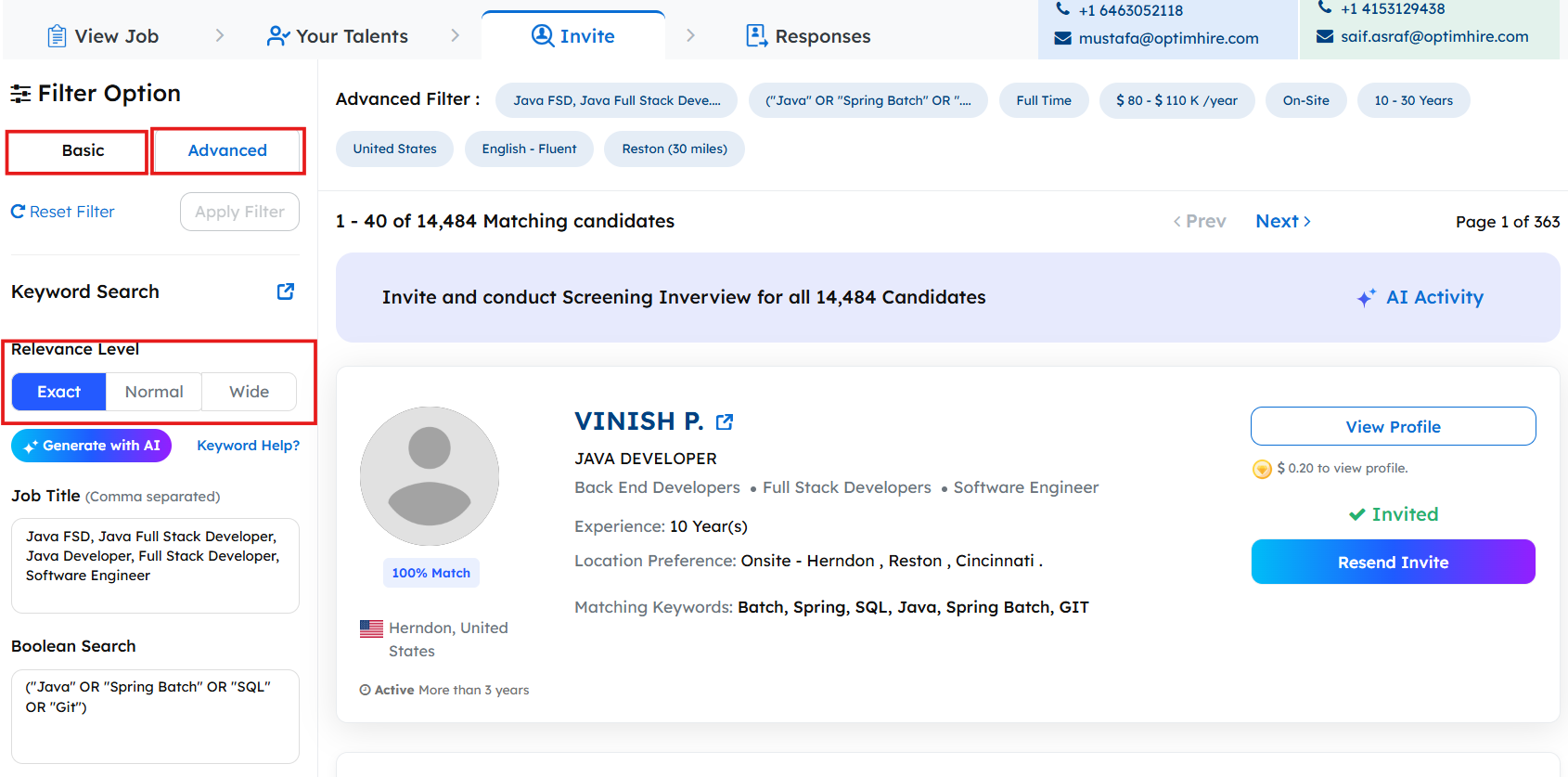
All you have to do now is wait for a candidate to start applying to your job posting. They will show up in the applied section of the Responses tab next to the invite tab.
Happy Posting!
Was this information helpful?
YesNo