Follow these easy steps to create an attractive company page at OptimHire to intrigue candidates to apply for your jobs!
STEP 1 - Add your company name, website link, and logo.

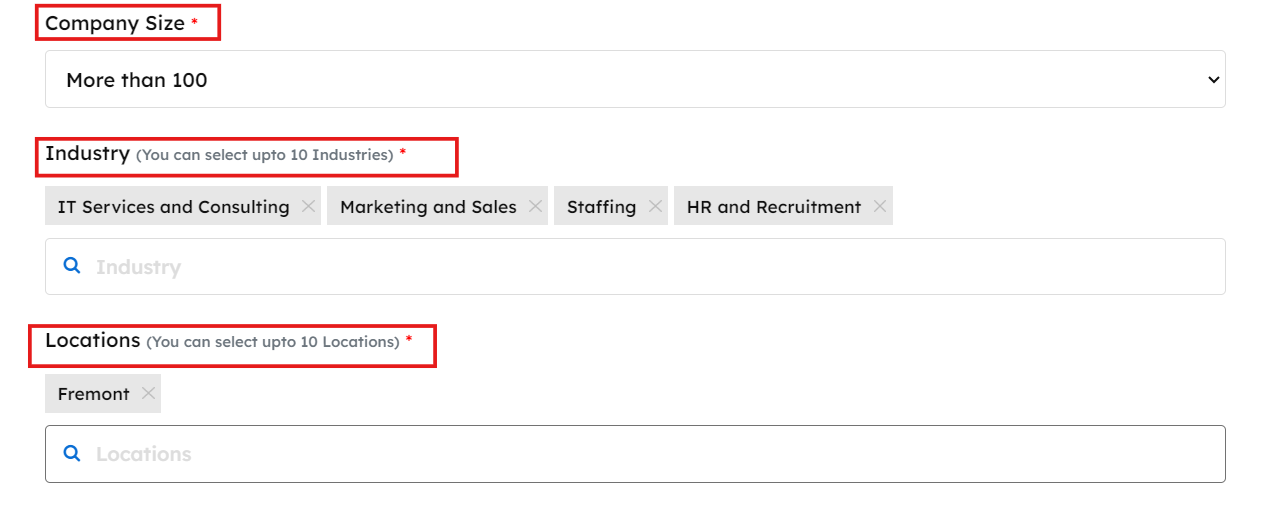
Step 2 - Let us know your company size. How many people work with you? Then add your industry in which you cater to. After that add your location, where you operate out of.
Step 3 - Tell us about your company! Add an attractive One liner about your company, then explain a bit about what your company is all about!

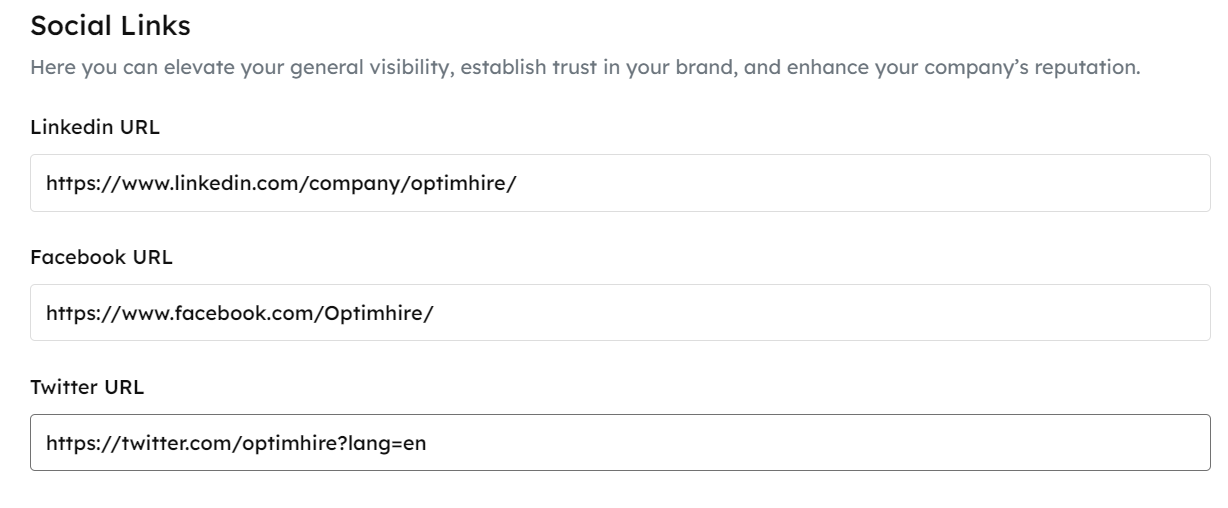
Step 4 - Add Social links and review links! You can add your LinkedIn, Facebook, and Twitter link. Then you can add your review links from Glassdoor or Ambition box.
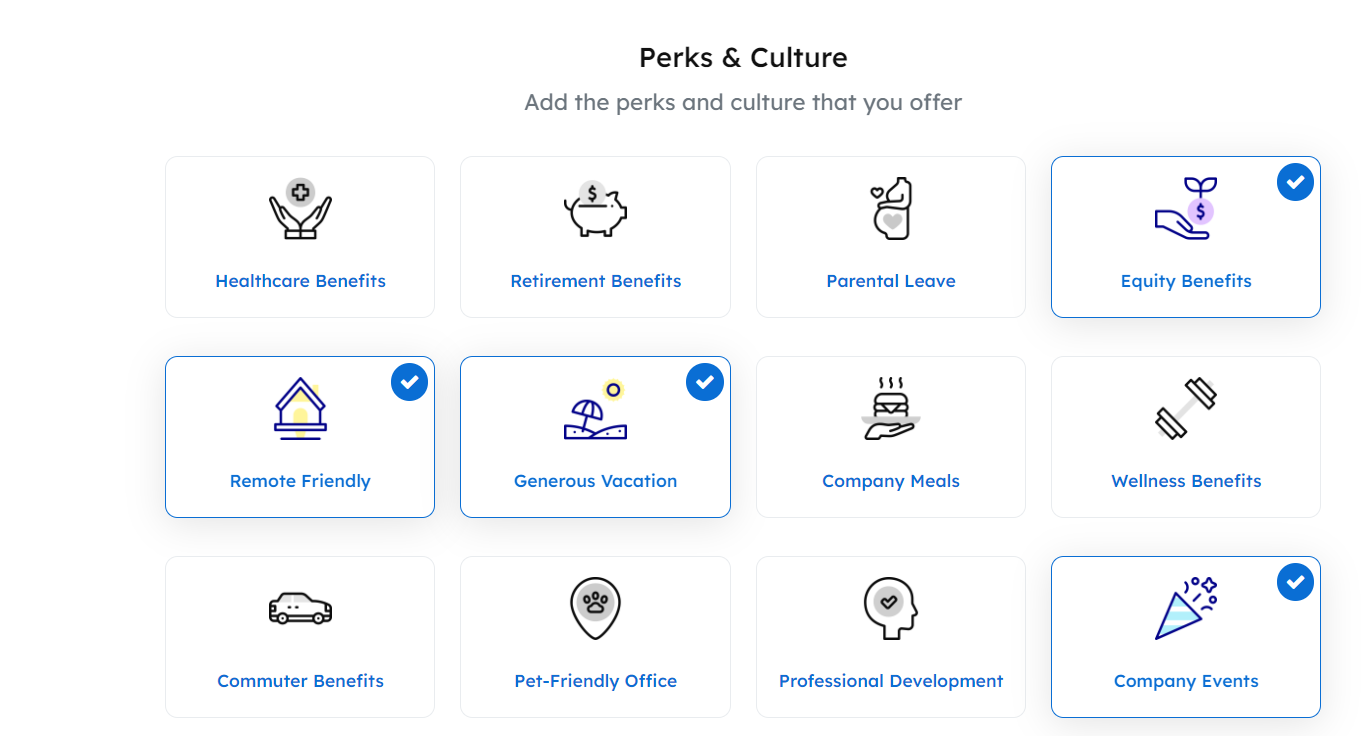
Step 5 - Fill in your Perks & Culture. Let candidates know what are the benefits of working with you. Upload some fun photos and videos of your company events.
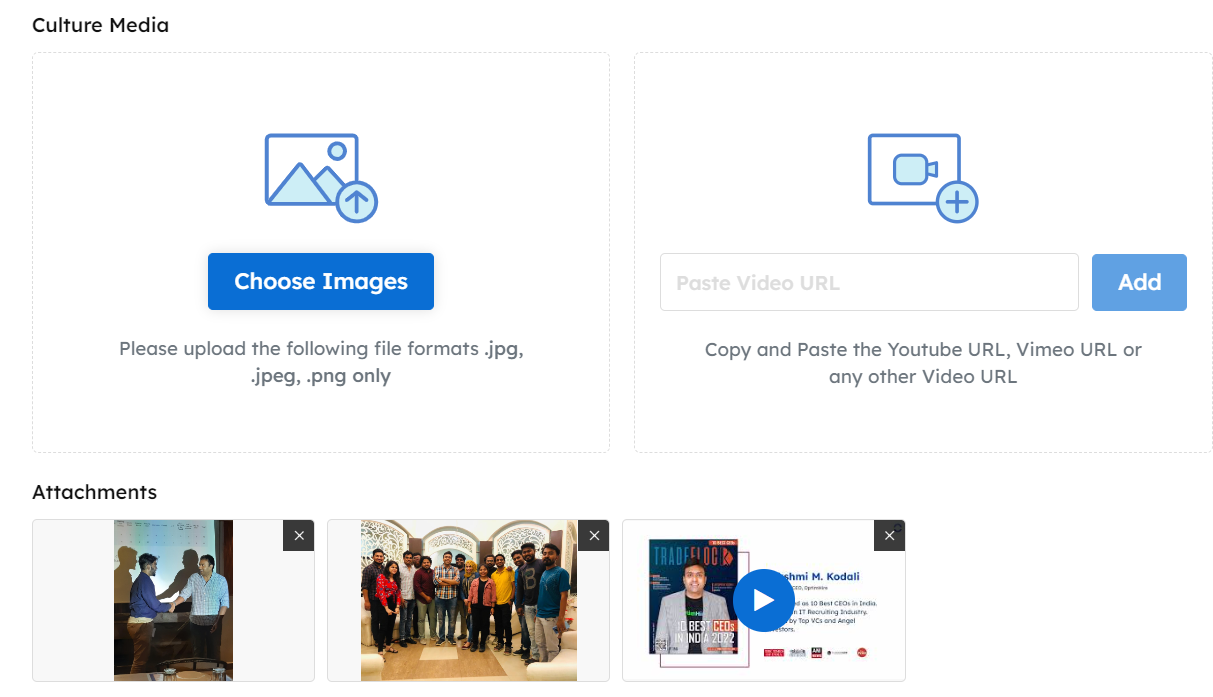
Step 6 - Invite your team members! You can invite as many team members to help enhance your account at optimhire at no extra cost! Each member can have their own login details and take advantage of all the benefits.

Step 7 - Review your company page! You will see how it looks to the candidates. You can edit it anytime.
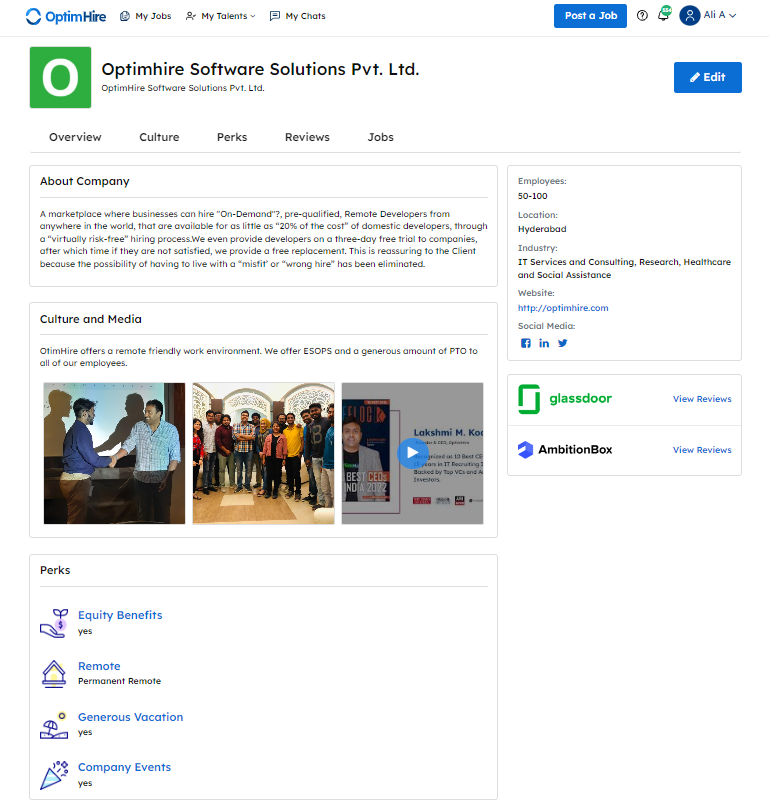
That’s it! You have successfully created your company page at OptimHire. If you requrie any assistance, please contact your Success Manager.
Was this information helpful?
YesNo