Intro – OptimHire’s Your Talent Tab gives you the option to upload resumes that you want to pre-screen using our AI recruiter, promote your job on various social media platforms and your own website as well! Below you will find all the features to utilize the promote tab to get the maximum exposure for not only your company but also your requirements.
Your Talents Tab – When you go to your job posting, you will find a tab called as your talents. When you click on that tab, you will be taken to OptimHire’s Your Talents.
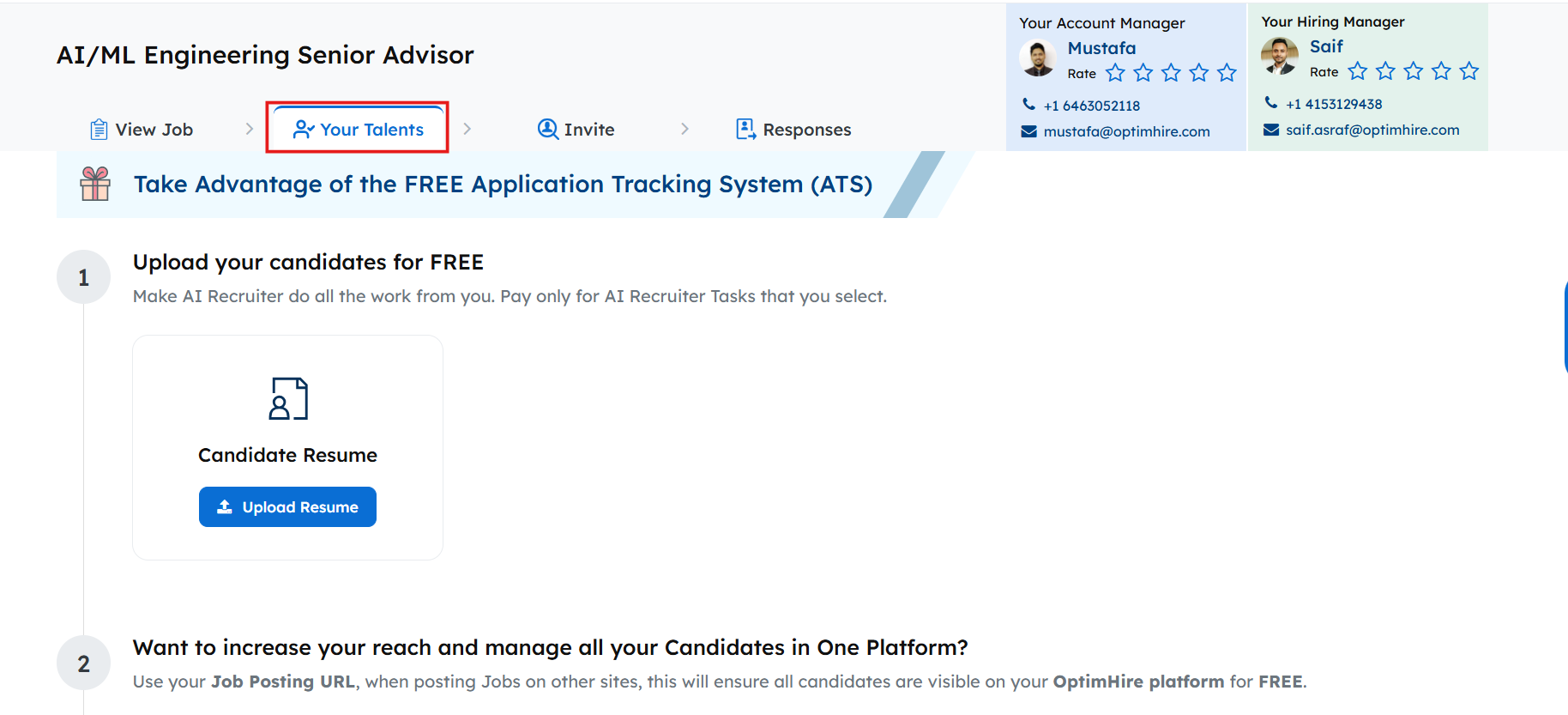
Upload Candidates – You can upload resumes that you don’t have time to pre-screen for the job and we will do it for you! Uploading resumes is FREE. You can also use our ATS to track their applications.
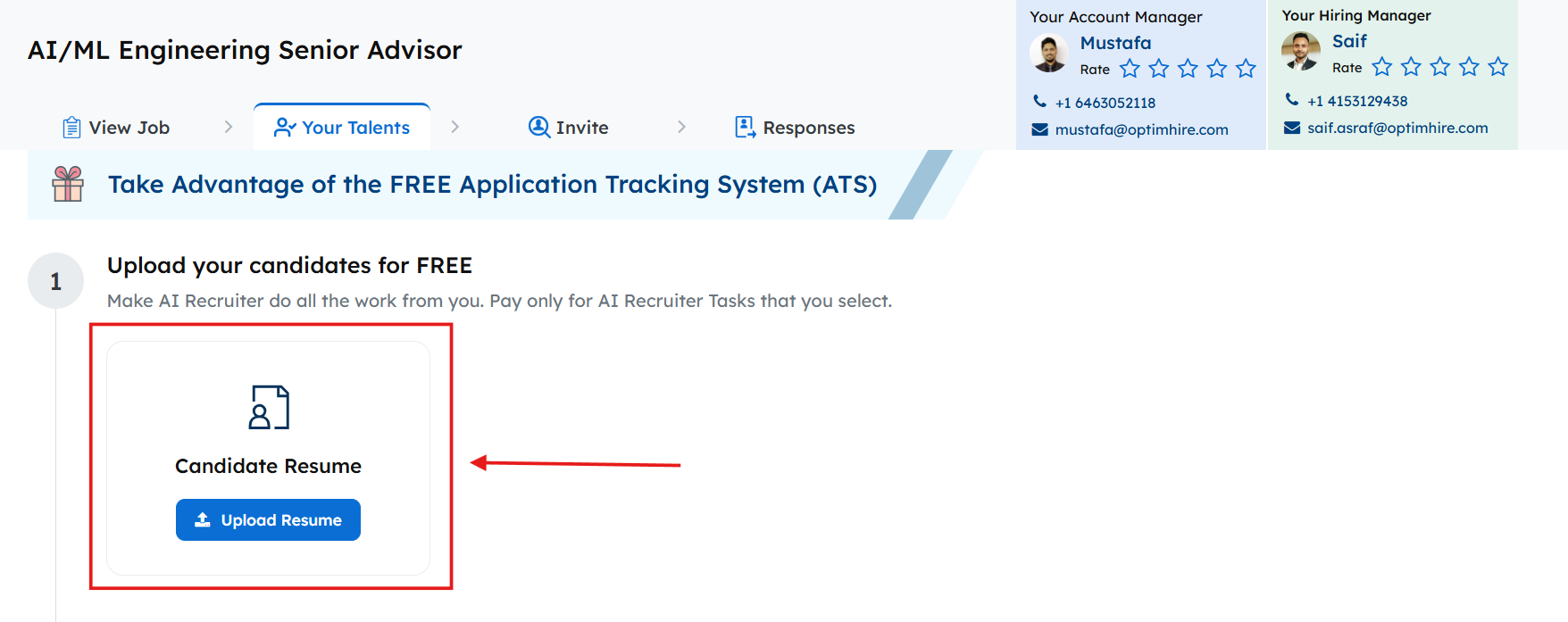
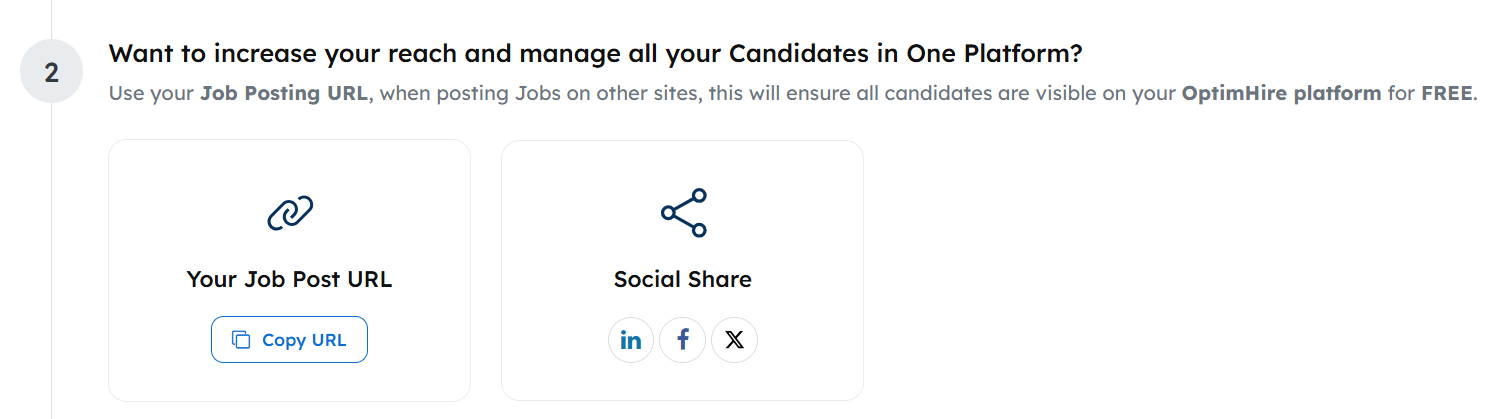
Increase Candidate Outreach – We offer the opportunity to share your job posting link on various social media platforms to attract more candidates. You also have the option to upload your candidate resumes to your ATS to manage them.
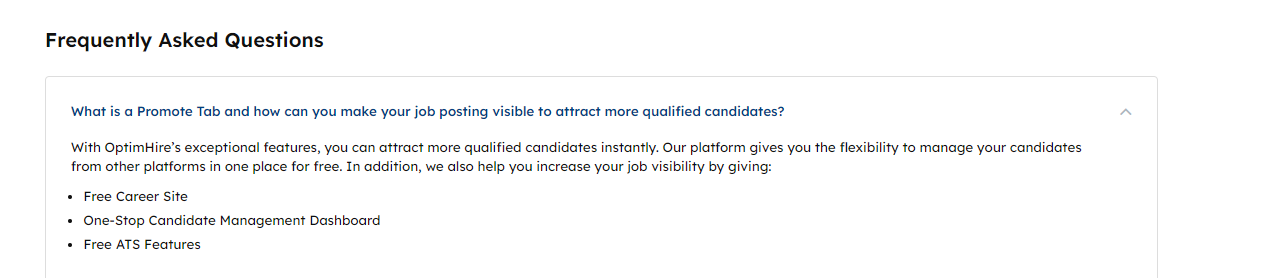
FAQ – If you have more questions on how the promote tab and its features work, you can come down to the FAQs section and clear your doubts.
Closing – As you can see, OptimHire’s Your Talent’s Tab offers you to get the maximum results on all your requirements and also for pre-screening candidates. Start utilizing these benefits TODAY!